Create an Outline in Frase
Within the Research Project workflow, once you've entered your search query and Frase as processed results, click the Outline tab in the research panel on the right.
💡 Your outline is the command center for building a high-performing article structure based on real-time Google data. It also keeps your writing process focused and efficient.
In this article
Choose an Outline Creation Method
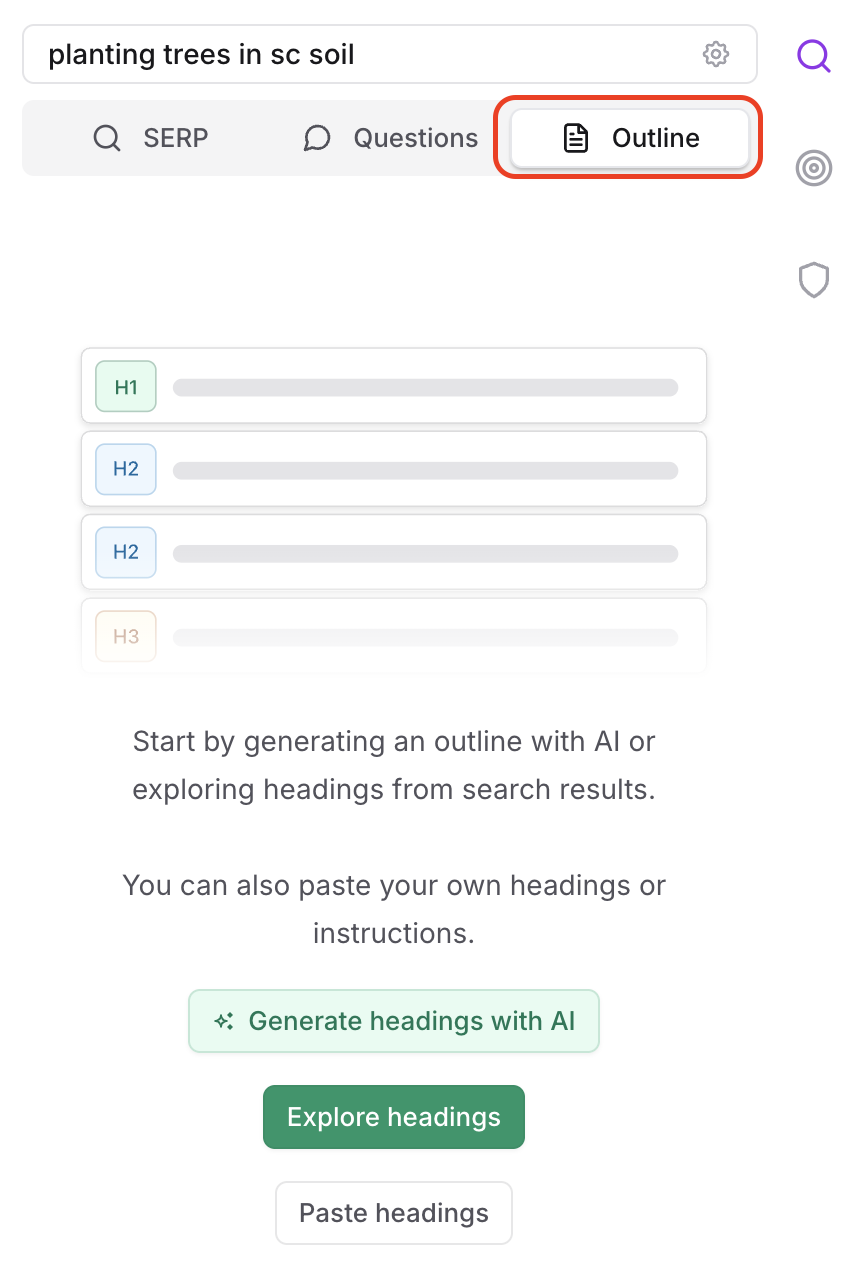
Frase offers two powerful ways to generate a content outline:
1. Generate Headings Using AI
Let Frase’s semantic SEO algorithm do the heavy lifting:
- Click Generate headings with AI to generate up to 30 recommended headers.
- These headings are ranked and formatted to align with SEO best practices.
This is the fastest way to start structuring your content.
2. Explore Headings from Top Results
Prefer a hands-on approach?
- Scroll through the Explore Headings section to see H2s and H3s from the top 20 Google search results.
- Use filters to narrow by header type or keywords relevant to your topic.
Customize and Use Your Outline
Once you’ve gathered your headers:
- Reorder or edit the header text directly to match your content strategy
- Click the 3 dots next to each to reformat as an H2, H3, or H4
- Add custom instructions to individual headings telling the AI how to write
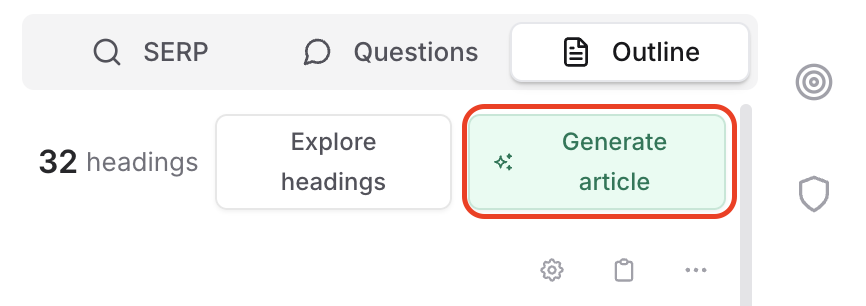
Let AI Write Your Article
If you'd like AI to take over the writing of your first draft, click the green Generate article button at the top of the outline to jump into our Rank Ready document flow.